
Vellora Archive
Turn ebooks into audiobooks
Your ebooks and PDFs,
read aloud.
Import a book or readable document. Choose an on-device voice. Press Play and keep listening wherever your day takes you.
All features free. No subscription. Optional tips unlock nothing.

iPhone · iPad · Mac · Apple Vision Pro · Apple Watch companion
OS 26 or later. Download your book and voice before listening offline.
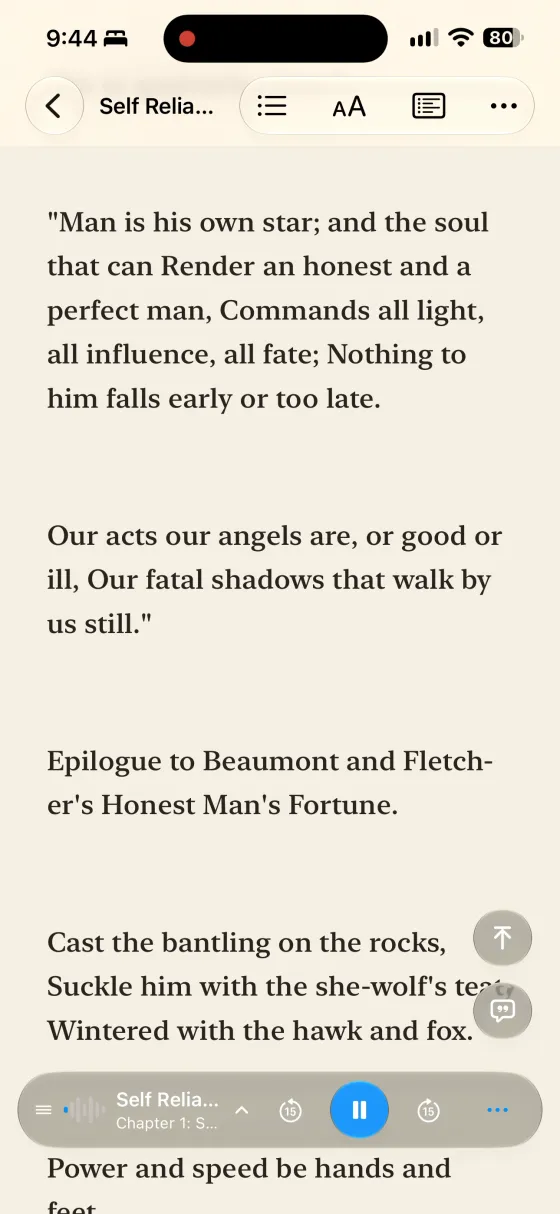
Make it sound like you
Choose a voice from the player and keep your place in the book.
Keep the story going
Listen with the screen off while you walk, commute or get things done.
Ready when you go offline
Keep the content and selected voice downloaded on your device.
Start listening
Bring a book. Give it a voice.
- 01
Bring an EPUB, readable PDF, article, pasted text or audiobook into Vellora.
- 02
Choose an on-device voice. Download it first if it is not already ready.
- 03
Press Play. Follow the text or keep listening with the screen off.
- 04
Download your book and voice before you go to keep listening offline.
EPUBs, readable PDFs, articles, plain text, Markdown and your own audiobooks. Use supported files you own or have permission to use. Protected books cannot be imported.
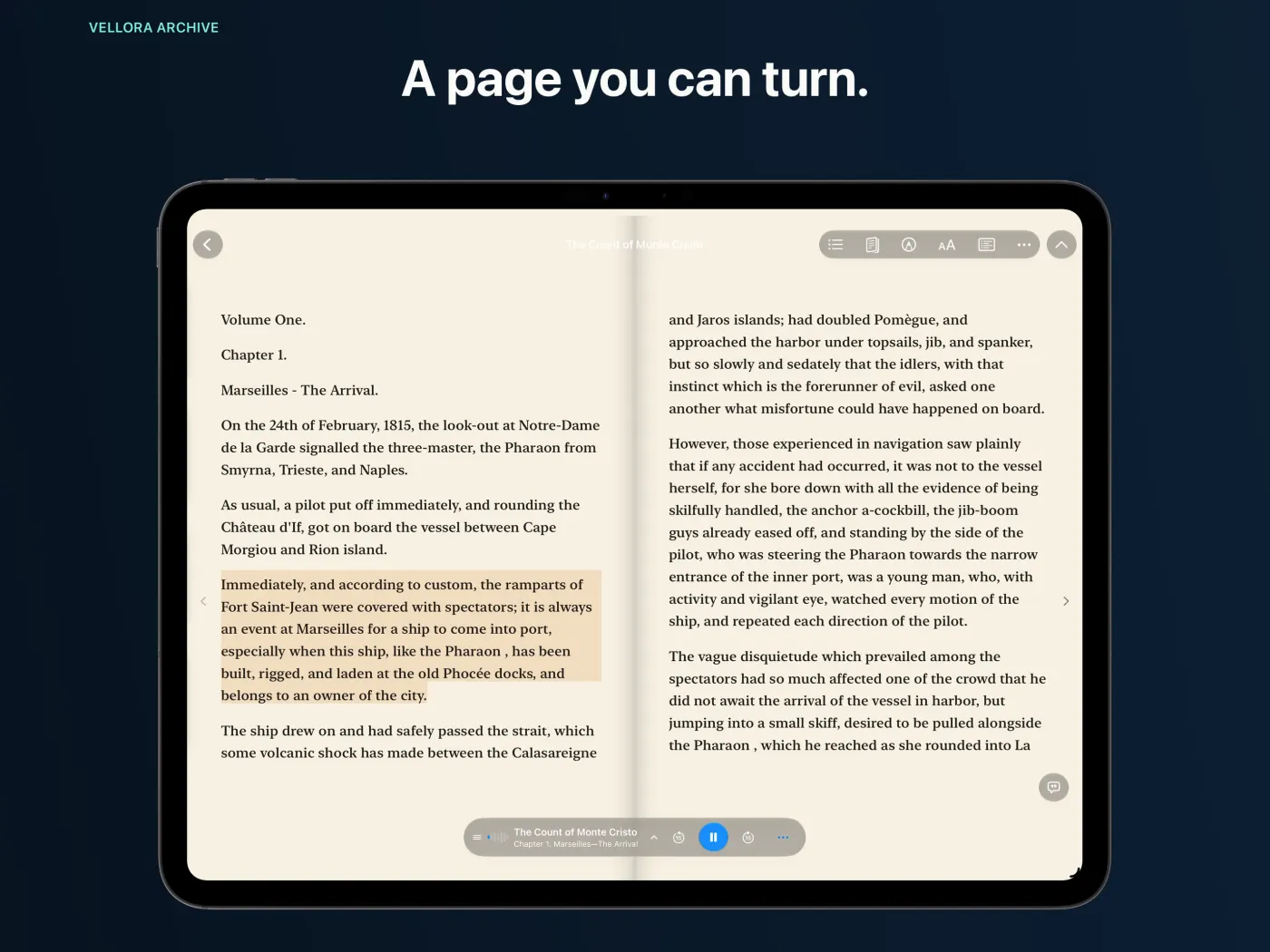
Read along.
Or just listen.
Follow the narration on the page, settle into Focus mode, or put the screen away. Keep your highlights, quotes and notes with the book.
Your library can continue across supported devices through your own iCloud setup.
Before your first listen
Is Vellora Archive really free?
Yes. All features are free to use. There is no subscription. Optional in-app tips support development and unlock nothing.
How do I turn an ebook or PDF into listening?
Import your EPUB or readable PDF, choose an on-device voice and press Play. Your book and selected voice must be ready on the device. The initial import or voice download can take time.
Does it work offline?
Yes, once the book and selected voice are downloaded. Web imports, new downloads and syncing changes between devices need an internet connection.
Which devices can I use?
Vellora is available for iPhone, iPad, Mac and Apple Vision Pro, with an Apple Watch companion. OS 26 or later is required on the corresponding platform. The Watch companion has its own playback and transfer capabilities.
Do I need an account?
No Vellora account is required to read or listen. Optional syncing uses your own Apple iCloud setup. Your device may ask you to sign in to Apple for iCloud or App Store services.
Which files can I import?
EPUB, readable PDF, article URLs, plain text, Markdown, pasted text and owned audio files including MP3, M4A and M4B. PDF results depend on the text stored in the file. Some encrypted, damaged or unsupported files cannot be imported.
Can I open Kindle purchases or library loans?
DRM-protected books, including protected Kindle purchases and library loans, cannot be opened. Use files you own or have permission to use in a supported, unprotected format.
Can I play an audiobook I already own?
Yes. Import supported audio files. M4B chapter navigation is available when the file includes chapter metadata. Read-along for imported audio depends on available transcript or timing information.
Is this the same as the public Vellora reading room?
The app reads and plays your own files on your devices. The separate website at velloraarchive.com publishes selected reading-and-listening editions that you can enjoy in a browser.
Need a hand?
Email the device, app version and what happened. For an import issue, describe the file type. Keep private documents out of the first message.
support@unshackledpursuit.comLooking for a book to explore?
The separate public Vellora archive offers selected reading-and-listening editions in your browser.
Visit the public archive ↗Privacy Policy
Last updated: November 8, 2026
Vellora Archive is developed and published by Unshackled Pursuit. This policy describes how the app handles your data.
No account required: Vellora does not require a Vellora account to import, read, listen, or save notes.
Your library and personal iCloud sync: Vellora stores books, source files, generated audio, transcripts, artwork, notes, quotes, bookmarks, and progress on your device. When iCloud features are available and authorized, Apple’s iCloud services can store and sync library files and reading state across supported devices signed in to your Apple Account.
On-device processing: Document parsing, playback, and voice generation run locally on your device. Neural voice generation may first download a voice model, but the text you render is processed on device.
Network access: Vellora uses the network to fetch an article you choose to import, download books or voice models, and provide iCloud features when available and authorized.
Voice model downloads: Download providers such as Hugging Face may process connection information, including your IP address, to serve downloads and maintain security. Book text stays on your device for narration. Hugging Face privacy policy.
Family Shelves on iPhone, iPad, and Mac: On compatible versions, Vellora sends the email address or phone number you choose to Apple’s iCloud service to match the invited Apple Account. iCloud delivers the selected book files and shelf settings to that recipient. A Kids Shelf contains the books the owner approves. Personal notes, bookmarks, and reading position are excluded from shared shelves. You can remove access from Family Shelves. The change reaches the reader’s device when it reconnects. Independent copies sent separately stay with their recipients.
Optional Agent Inbox: If you choose an Agent Inbox folder, Vellora writes a limited list of book titles, authors, and shelves to that folder and can respond to requests for passages. People or tools with access to the folder can read the files saved there. Stopping folder access ends future requests. Existing files stay in the folder.
Developer access and support: Private iCloud library and Family Shelf data are not sent to Unshackled Pursuit as part of these features. If you contact support, we receive your email address and the information you choose to send.
Tracking and advertising: Vellora does not include advertising SDKs or cross-app tracking. App Store diagnostics, if enabled by the user, are handled by Apple.
Contact: For privacy questions or data deletion requests, email support@unshackledpursuit.com.
Terms of Use
Last updated: November 8, 2026
By downloading or using Vellora Archive ("the App"), you agree to these terms.
License: Unshackled Pursuit grants you a limited, non-exclusive, non-transferable license to use the App on any Apple device that you own or control, subject to the Apple Media Services Terms and Conditions.
Acceptable Use: You may use the App for any lawful personal or commercial purpose. You may not reverse engineer, decompile, or disassemble the App.
Purchases: Vellora Archive has no subscriptions or recurring charges. Optional tips unlock no features. Refunds are handled through Apple per their standard refund policy.
Apple Family Sharing: Apple’s Purchase Sharing applies only to eligible purchases, subject to Apple’s terms and your sharing settings. Vellora’s optional tips are consumable purchases and are excluded. Vellora Family Shelves use separate private iCloud invitations.
Disclaimer: The App is provided "as is" without warranty of any kind. Unshackled Pursuit is not liable for any loss of data or content created within the App.
Apple EULA: This App is also subject to Apple’s standard End User License Agreement (EULA) available at apple.com/legal/internet-services/itunes/dev/stdeula.
Contact: For questions about these terms, email support@unshackledpursuit.com.